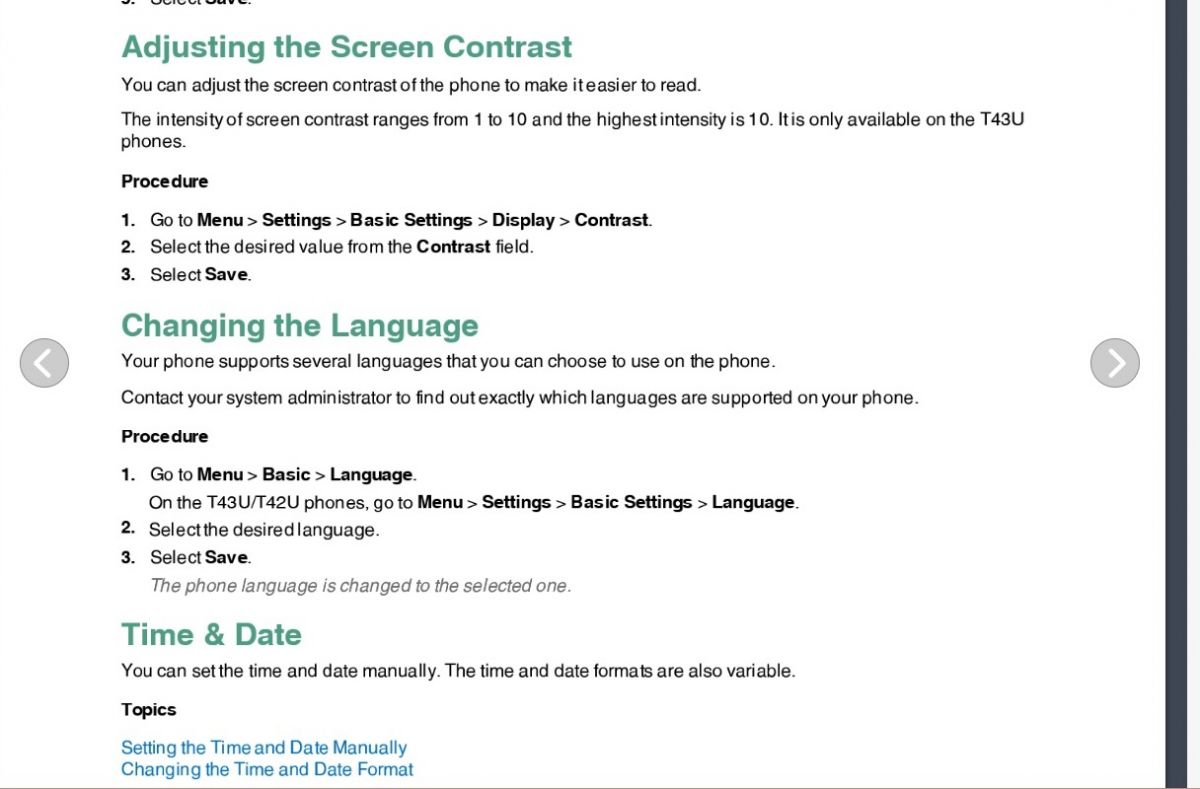
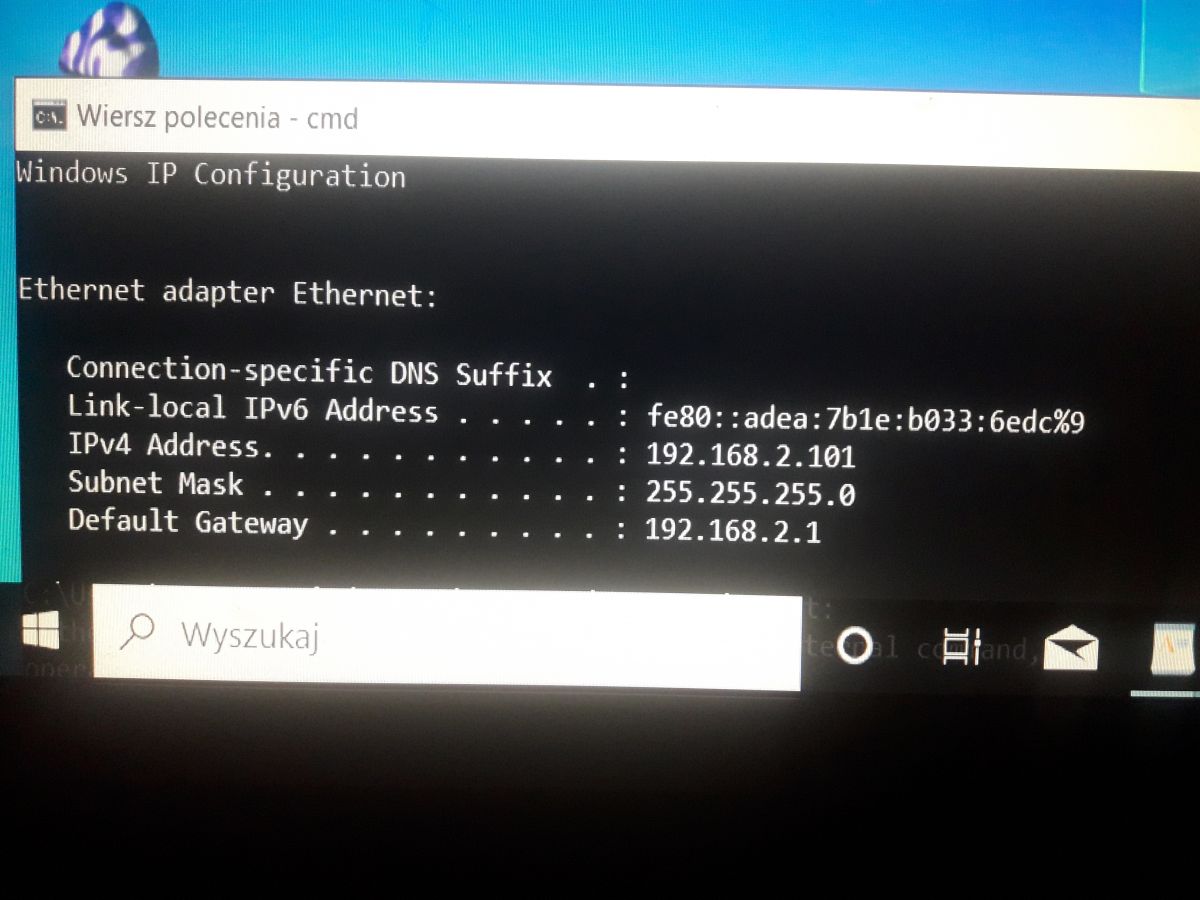
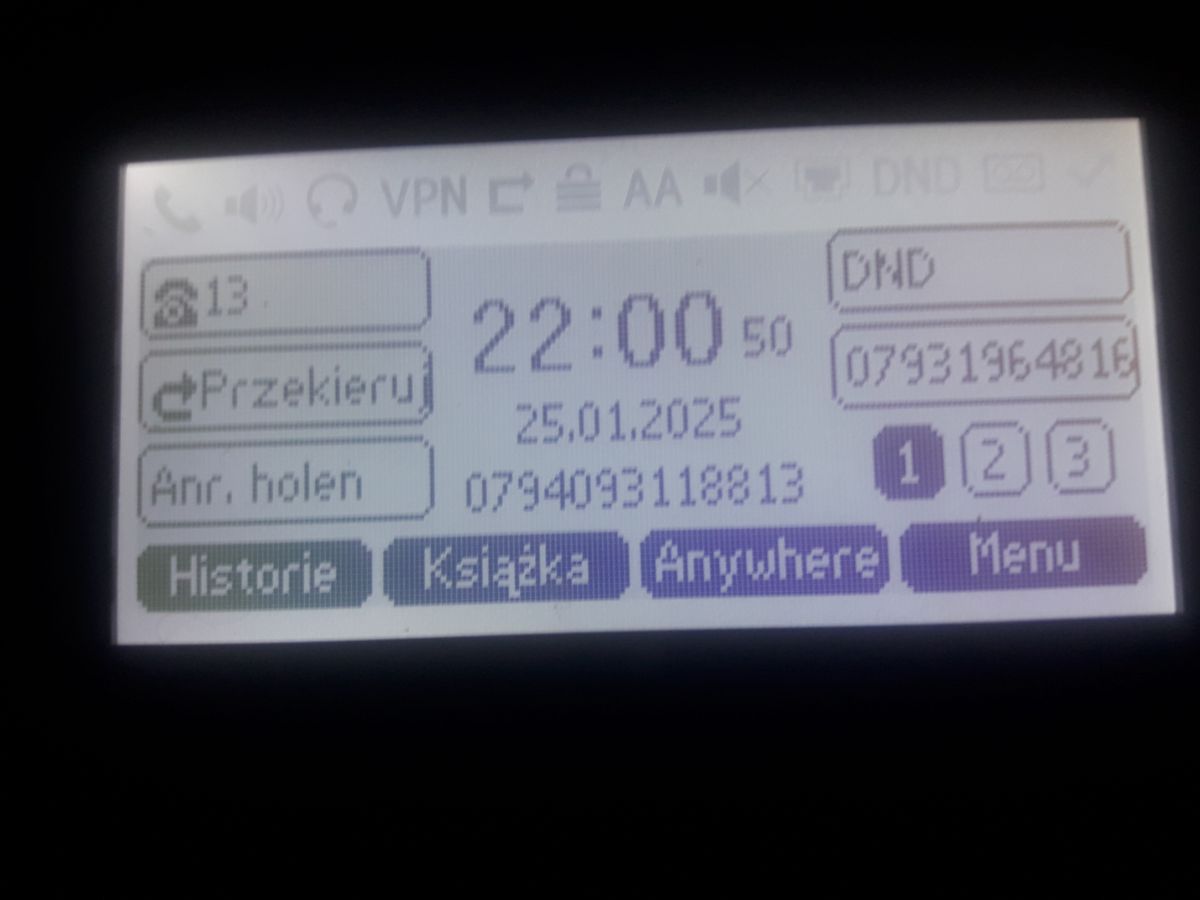
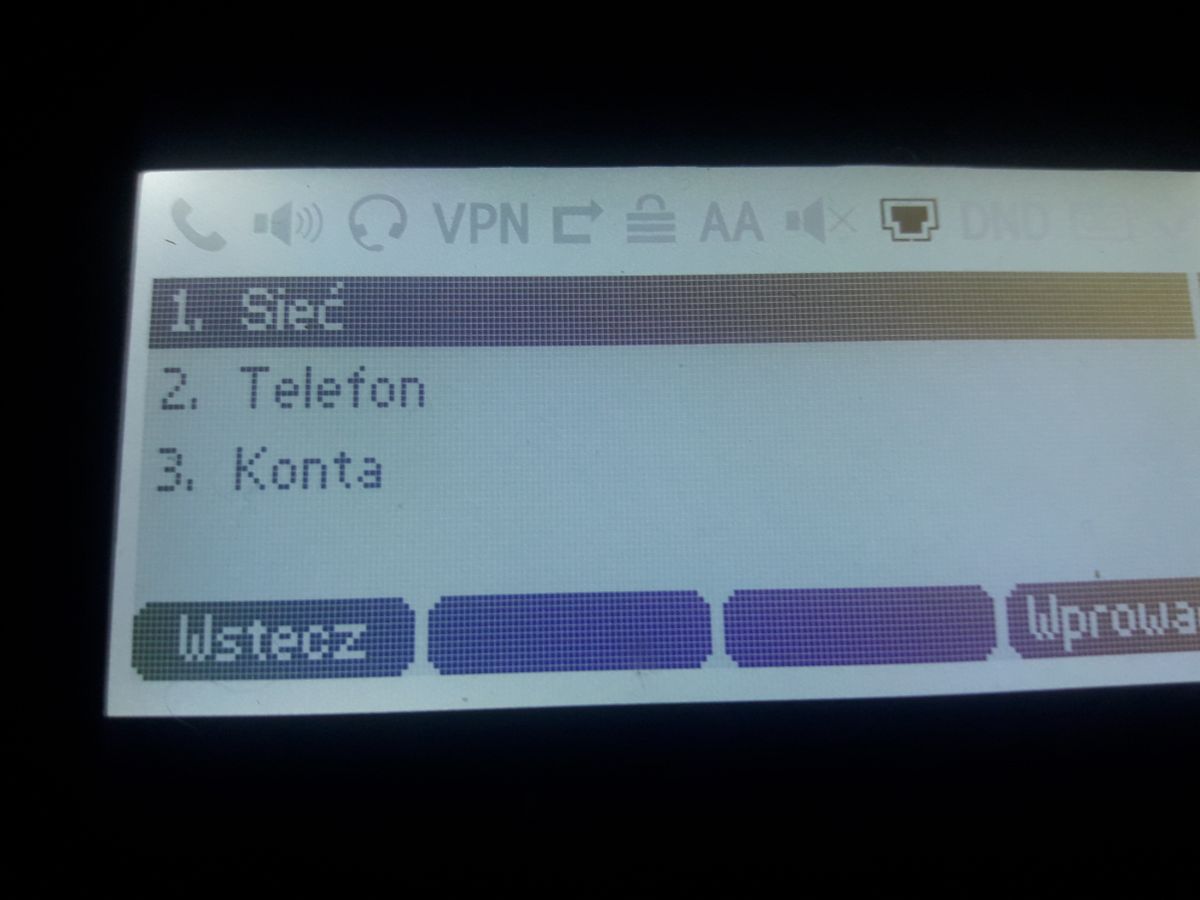
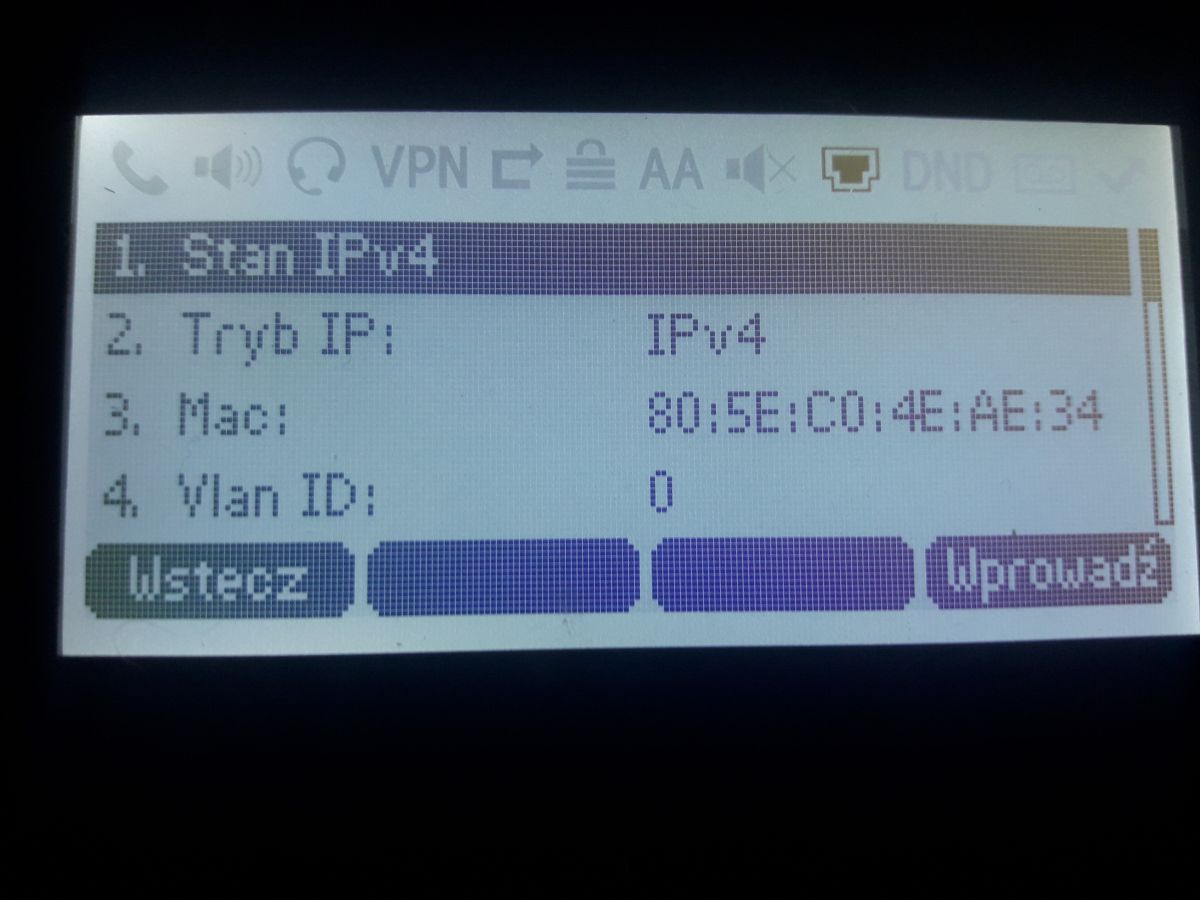
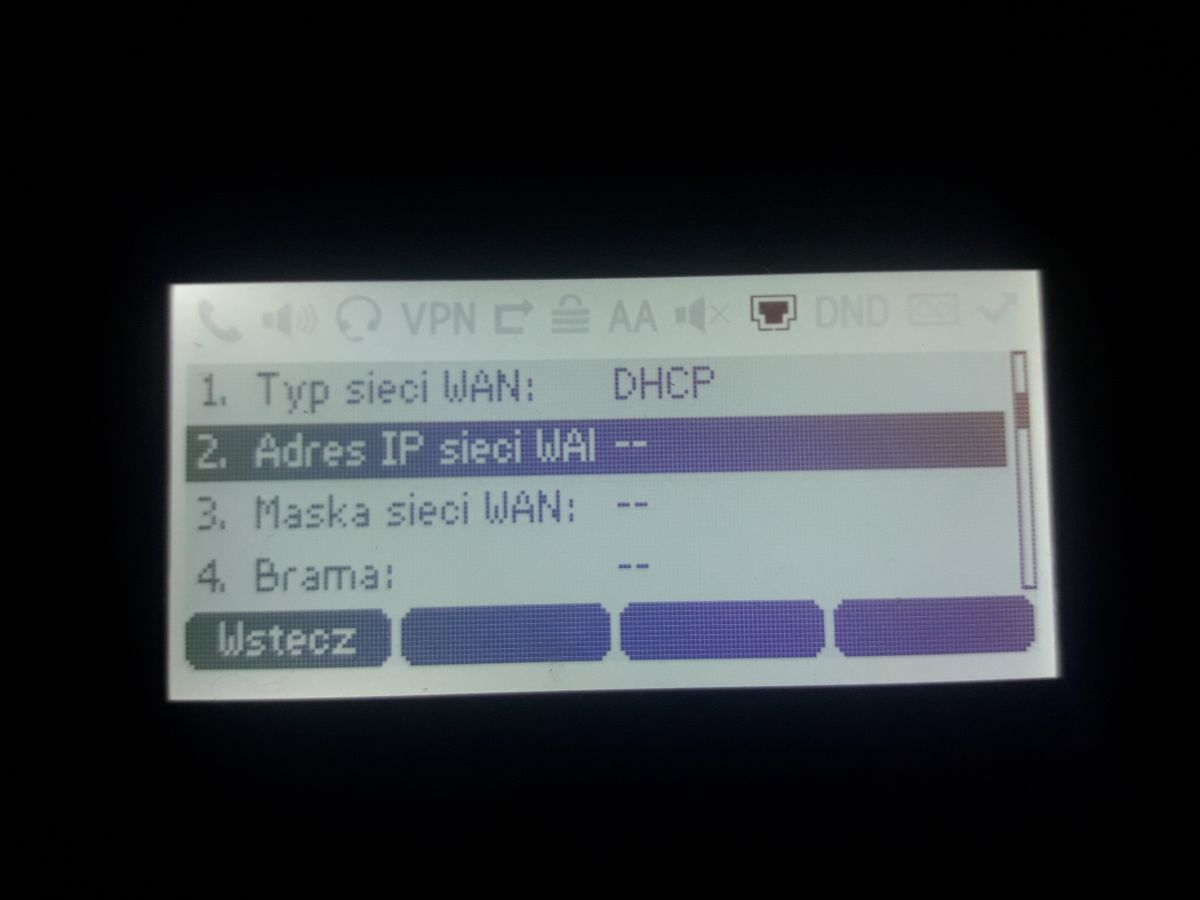
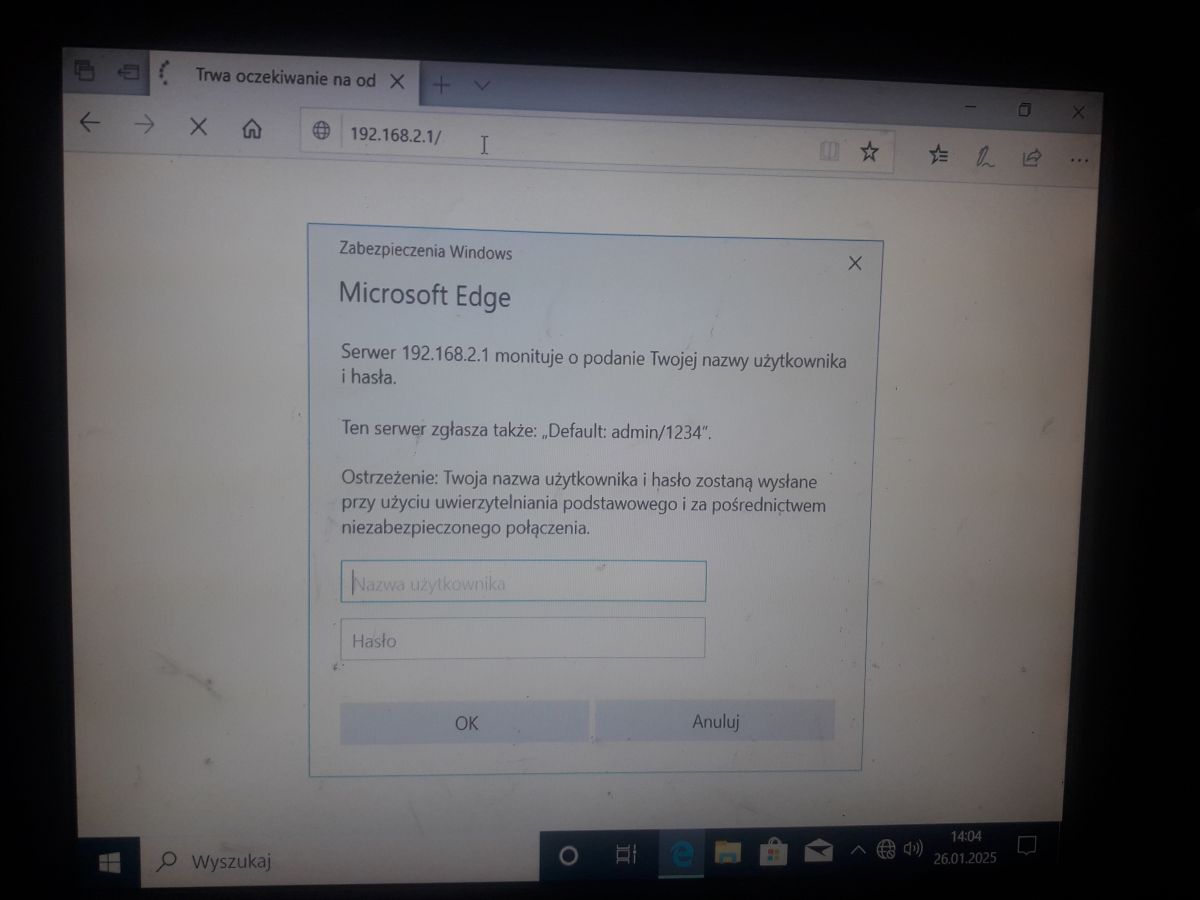
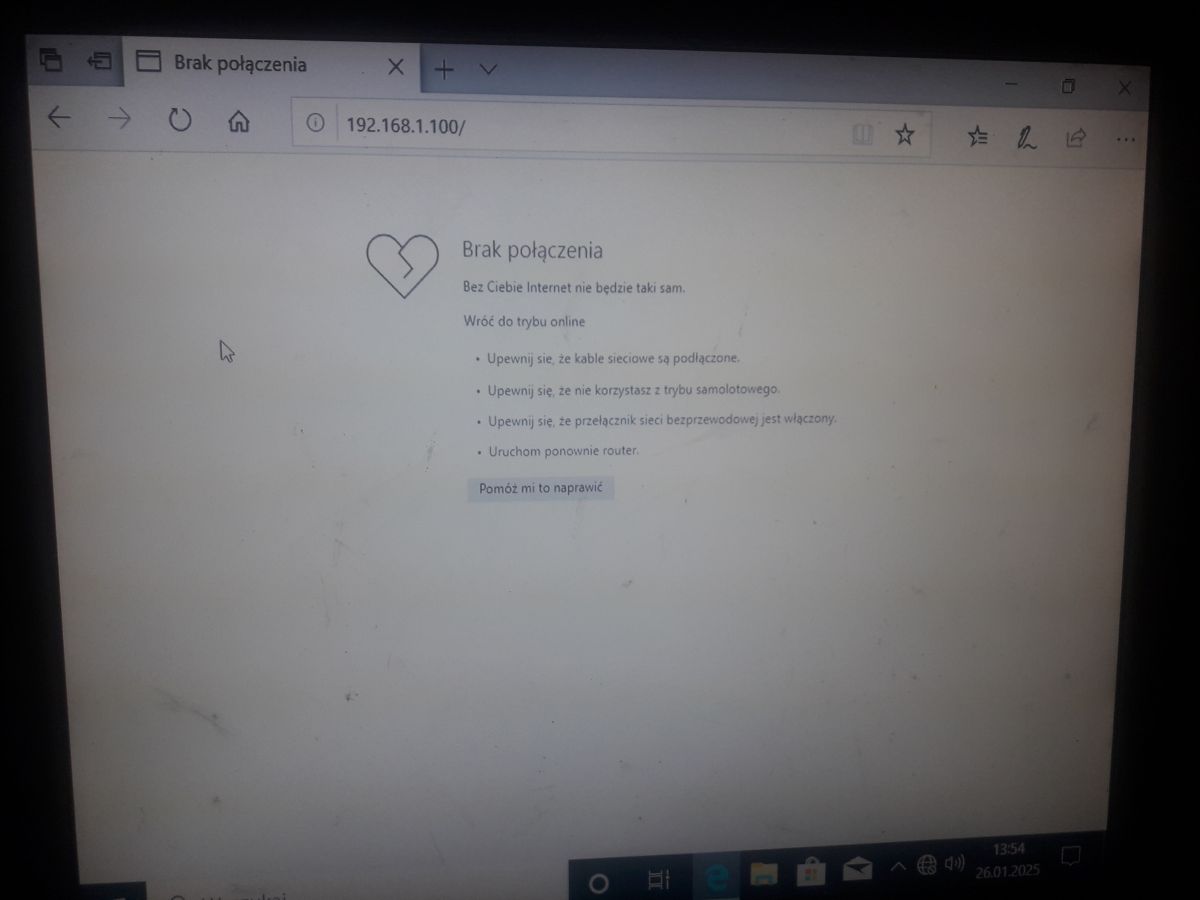
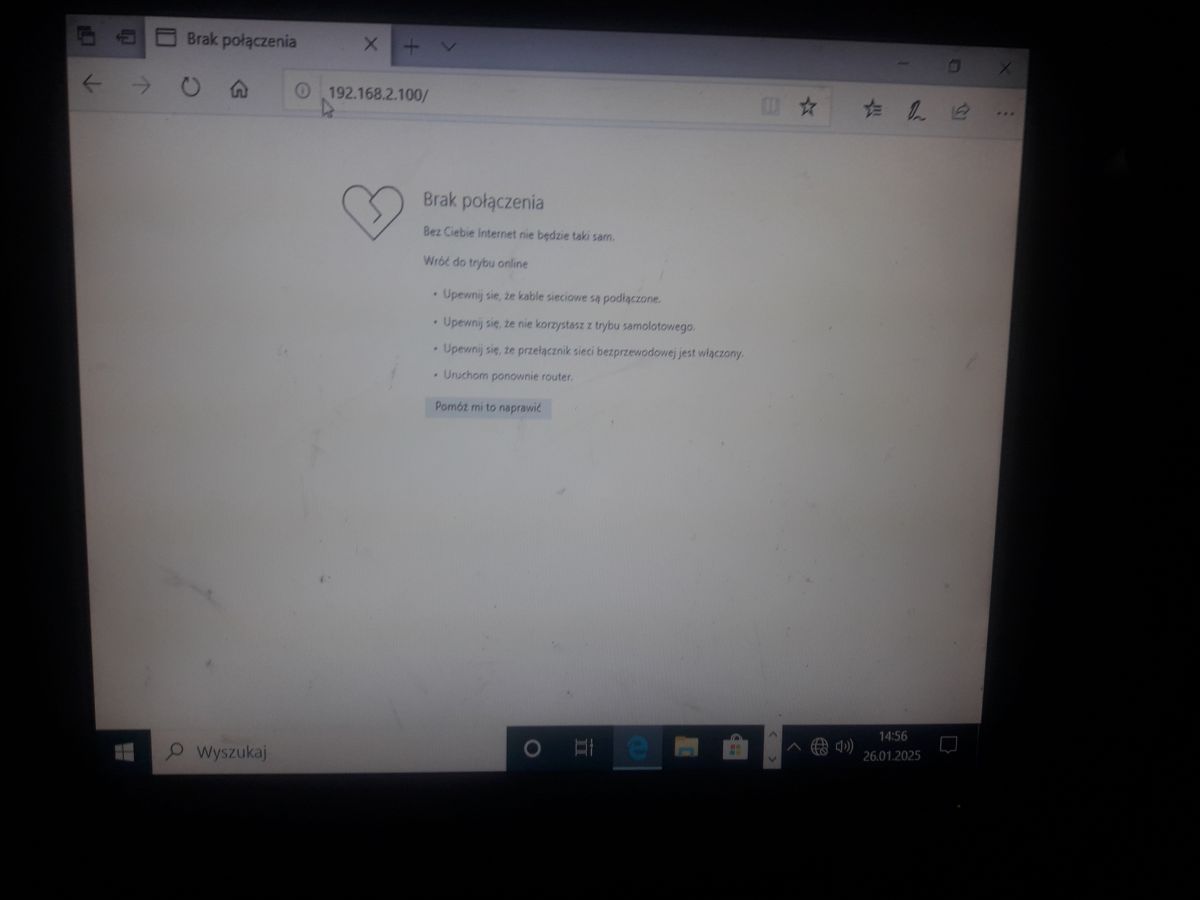
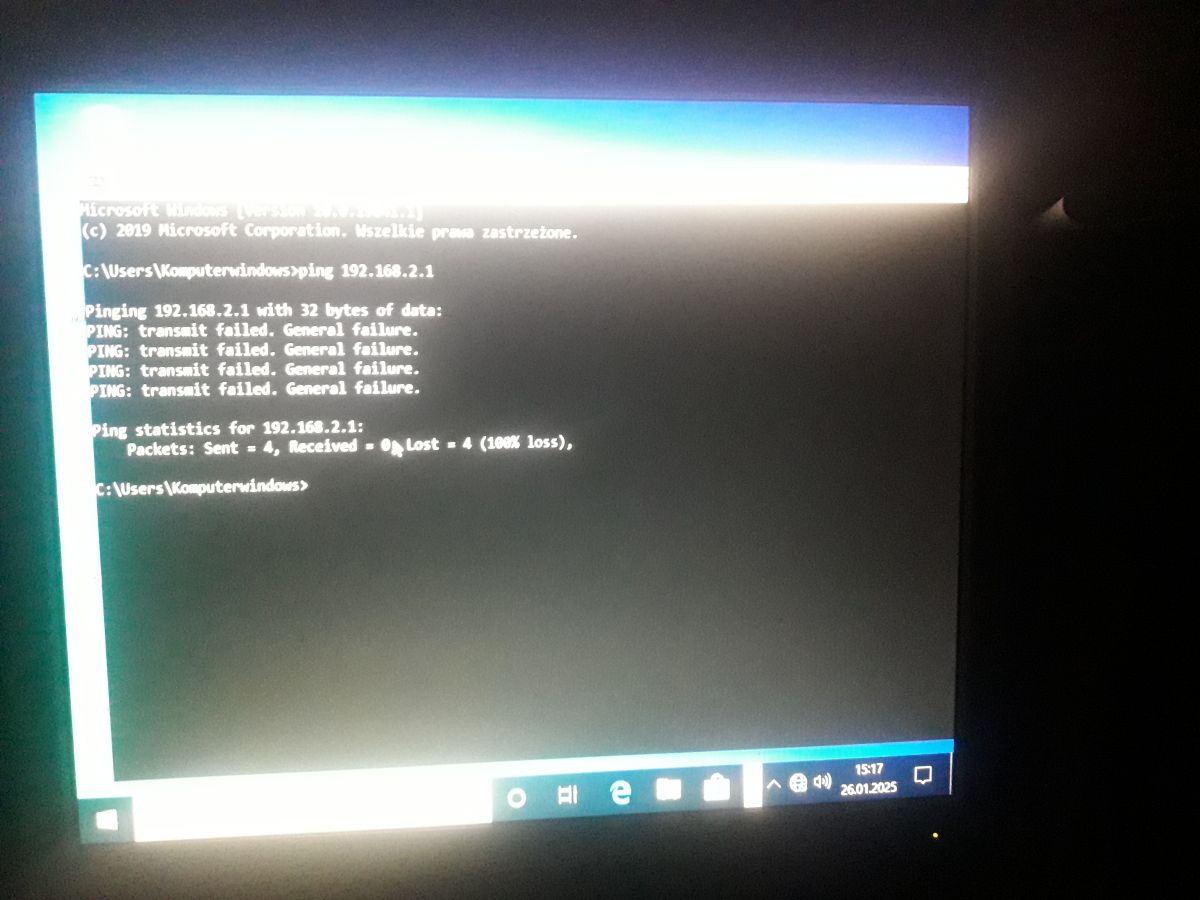
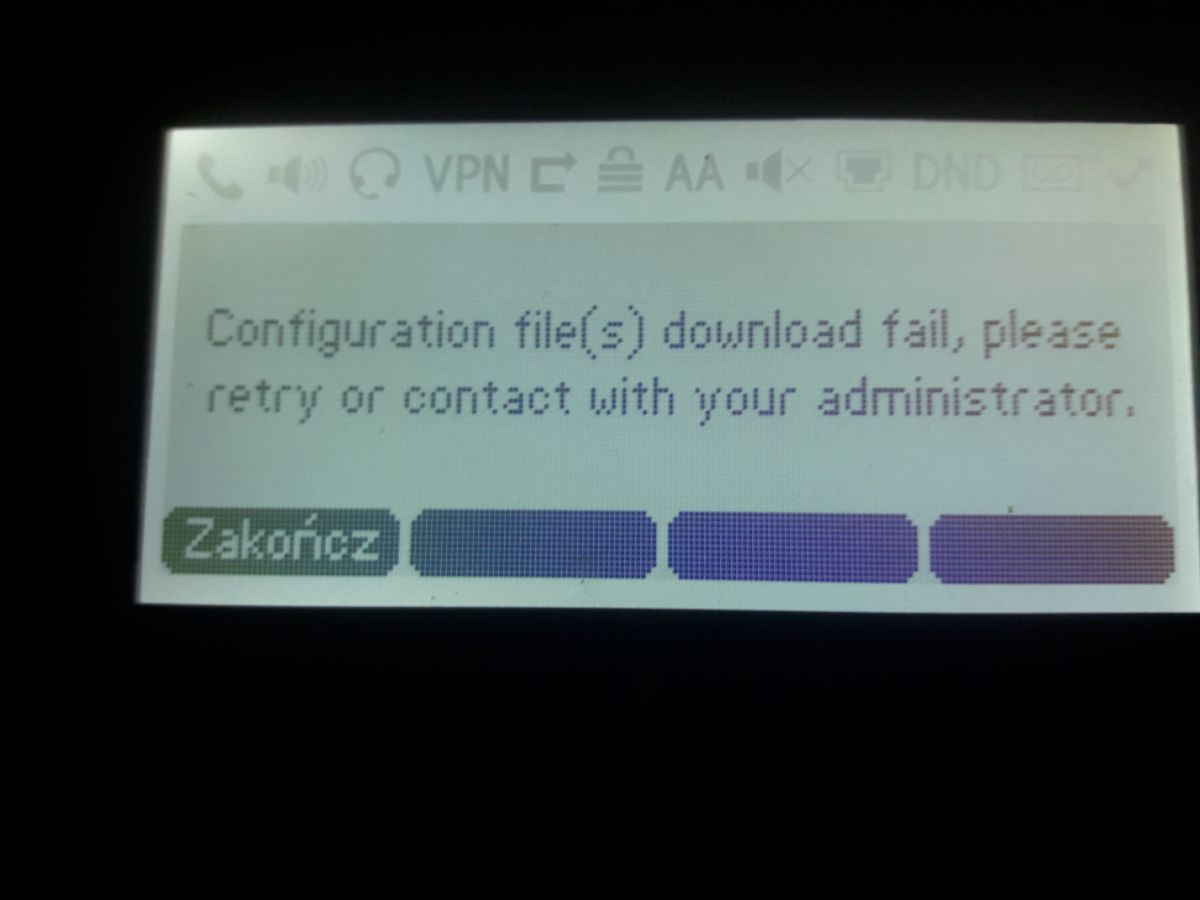
Co mam sądzić o tym. Uszkodzony telefon? Jak go rozpakowałem to miał zaprogramowane niemieckie firmy. Mogłem sobie dzwonić z Niemcami. Jak i niemieckie 112 teraz.
Accessing the web user interface:
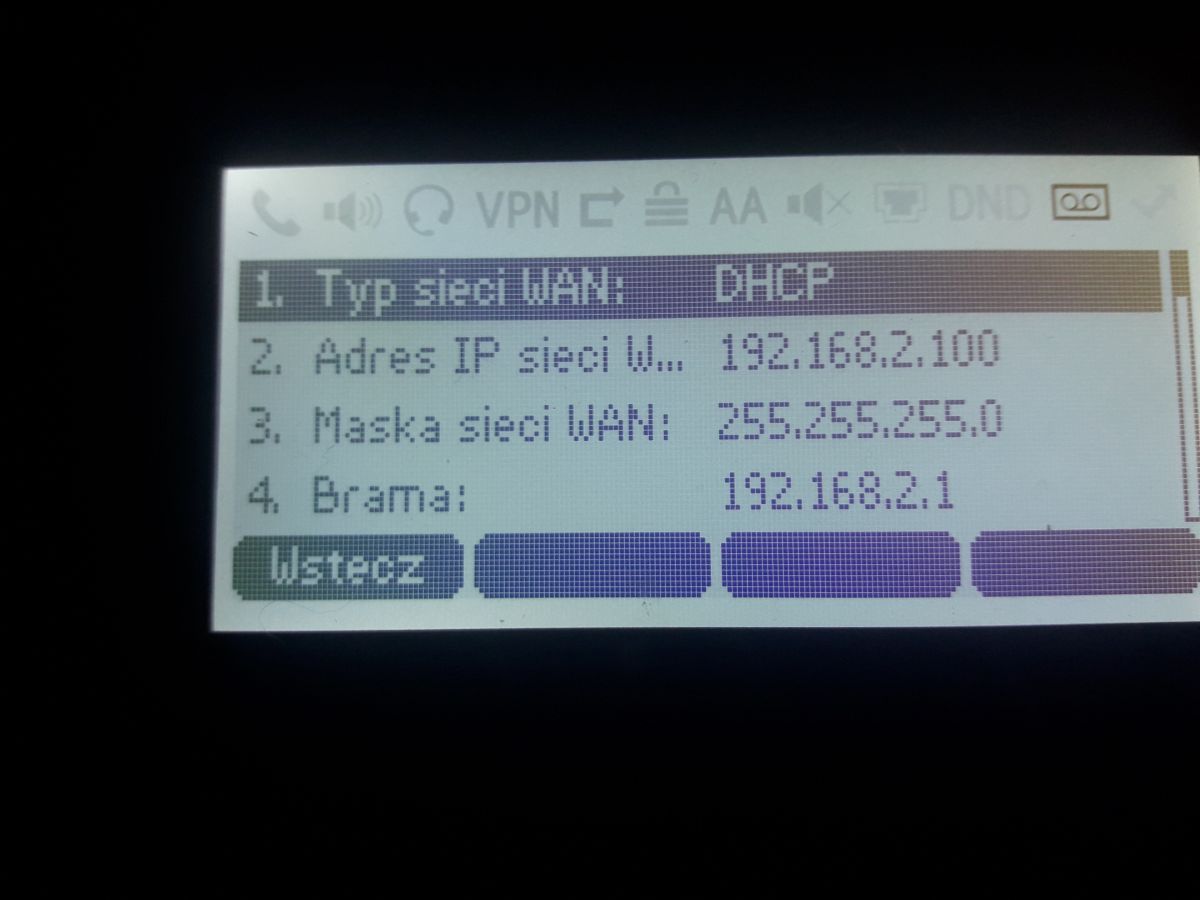
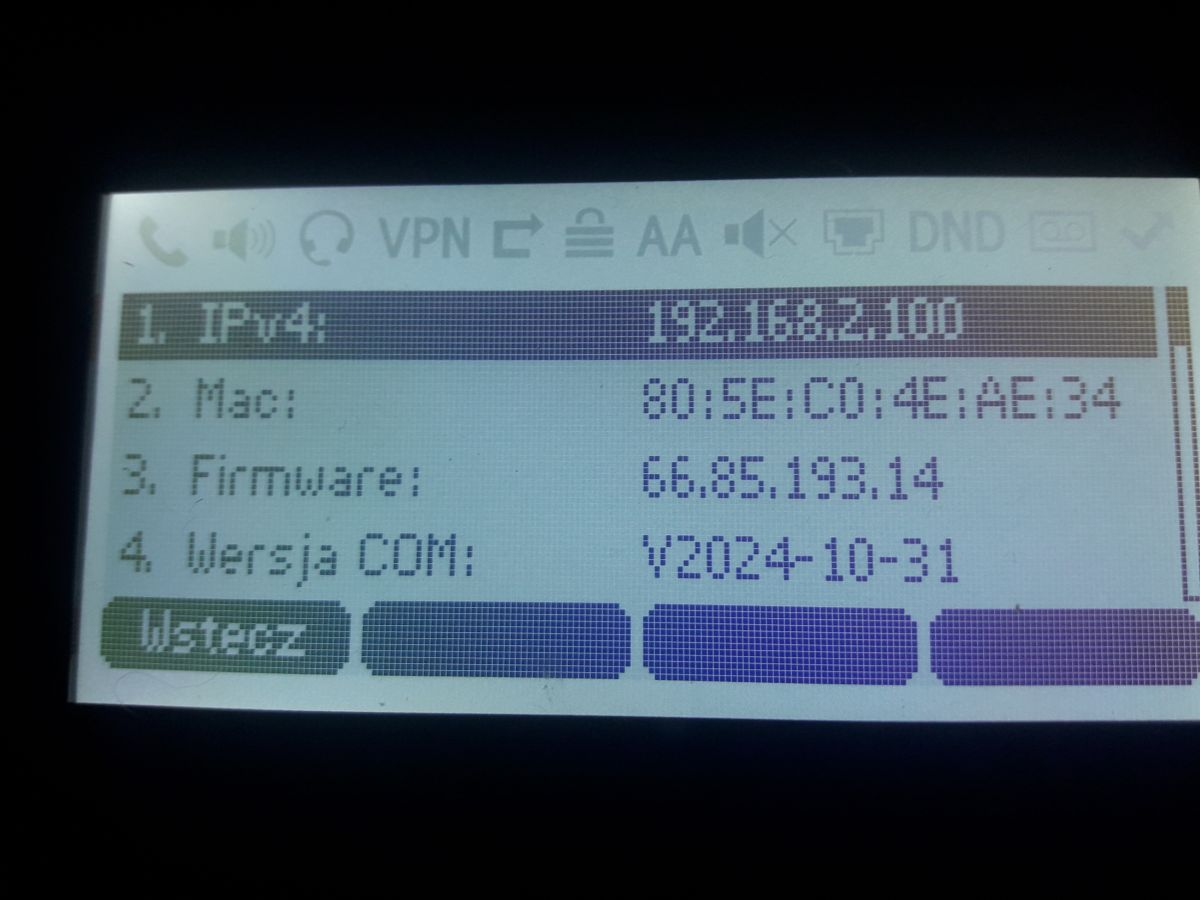
1. Press the OK key when the phone is idle to obtain the IP address of the phone.
2. Open a web browser on your computer, enter the IP address into the address bar (e.g., "http://192.168.0.10" or
"192.168.0.10") and then press the Enter.
3. Enter the user name (default: admin) and password (default: admin) in the login page and click Login.
Network Settings: Click on Network->Basic->IPv4 Config
You can configure the network settings in the following ways:
DHCP: By default, the phone attempts to contact a DHCP server in your network to obtain its valid network settings, e.g., IP
address, subnet mask, gateway address and DNS address.
Static IP: If your phone cannot contact a DHCP server for any reason, you need to configure the IP address, subnet mask,
gateway address, primary DNS address and secondary DNS address for the phone manually.
Note: The IP phone also supports IPv6, but IPv6 is disabled by default.
The wrong network settings may result in the inaccessibility of your phone and may have an impact on the network
performance. Contact your system administrator for more information.
Account Settings:
Click on Account->Register->Account X (X=1, 2, 3...15, 16)
Parameters of the account:
Register Status: It shows the register status of the current account.
Line Active: You can select Enabled/Disabled to enable/disable the account.
Label: It is shown on the LCD screen to identify the account.
Display Name: It is shown as caller ID when placing a call.
User Name: It is provided by ITSP for registration (required).
Register Name: It is an authenticated ID for authentication provided by ITSP (required).
Password: It is provided by ITSP for registration (required).
Server Host: It is provided by ITSP for registration (required).
Register status icons on the LCD screen:
(Green) Registered (Gray) Register Failed (Yellow) Registering
Note: Check with your system administrator if any error appears during the registration process or a specific
configuration is required for your registration.
Configuring via phone user interface
Network Settings:
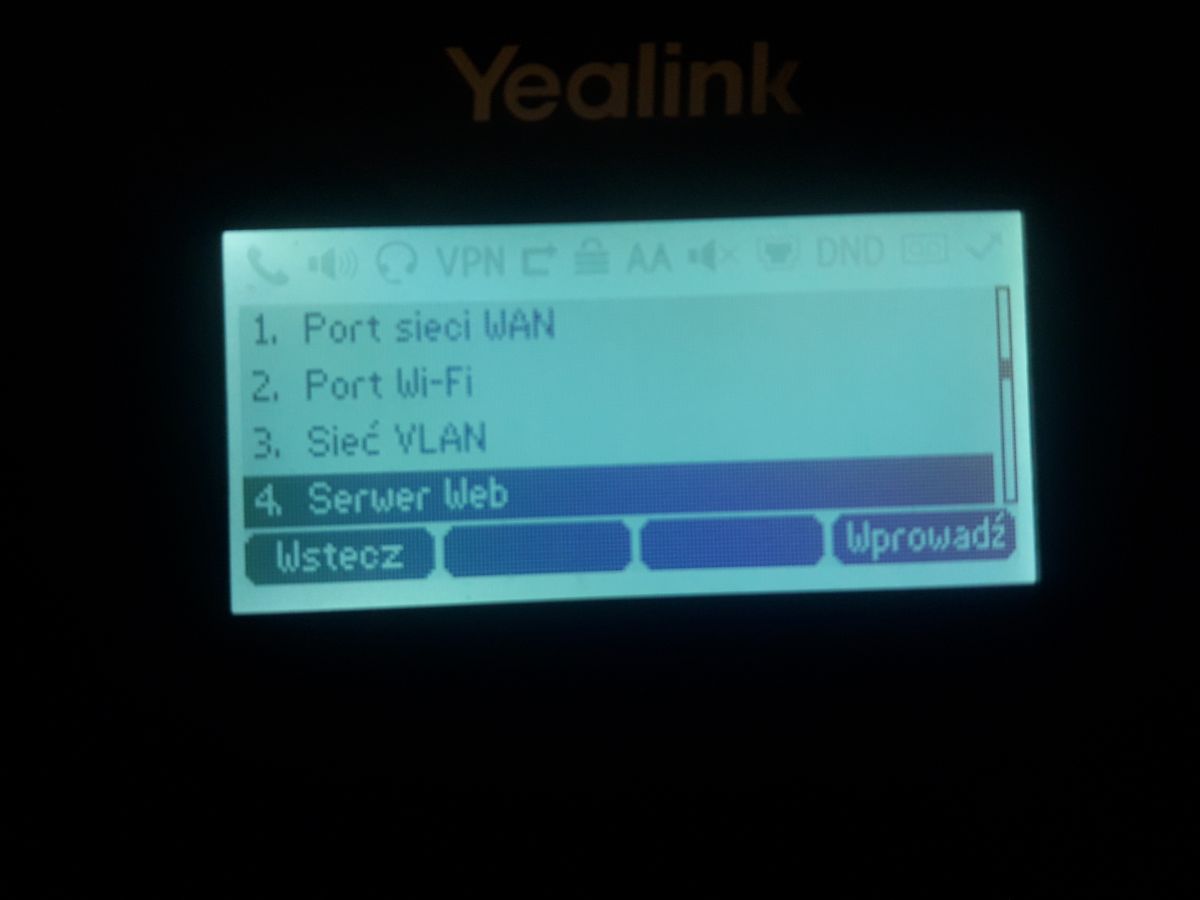
Press the Menu soft key when the phone is idle, select Advanced (default password: admin)->Network->WAN Port/Wi-Fi Port/VLAN/Web Server/802.1x/VPN/LLDP/CDP/NAT to configure the network.
Account Settings:
Press the Menu soft key when the phone is idle, select Advanced (default password: admin)->Accounts to configure the account.
Witajcie. Zarejestrowałem Actio.pl z poziomu klawiatury telefonu. I działa!
Zobaczymy czy Plfon.pl idzie zarejestrować? Mają lub w ogóle nie mają ani instrukcji, ani techników.
Dodano po 59 [minuty]:
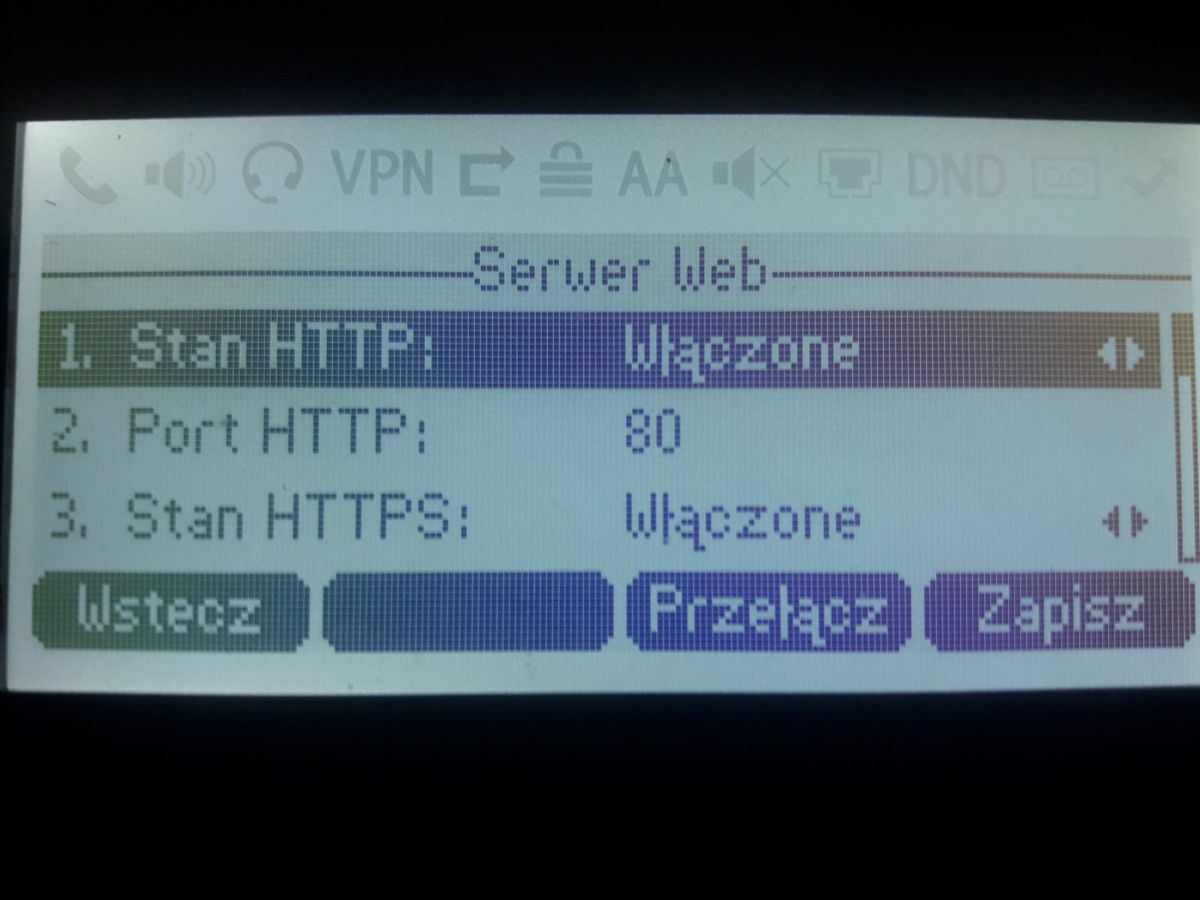
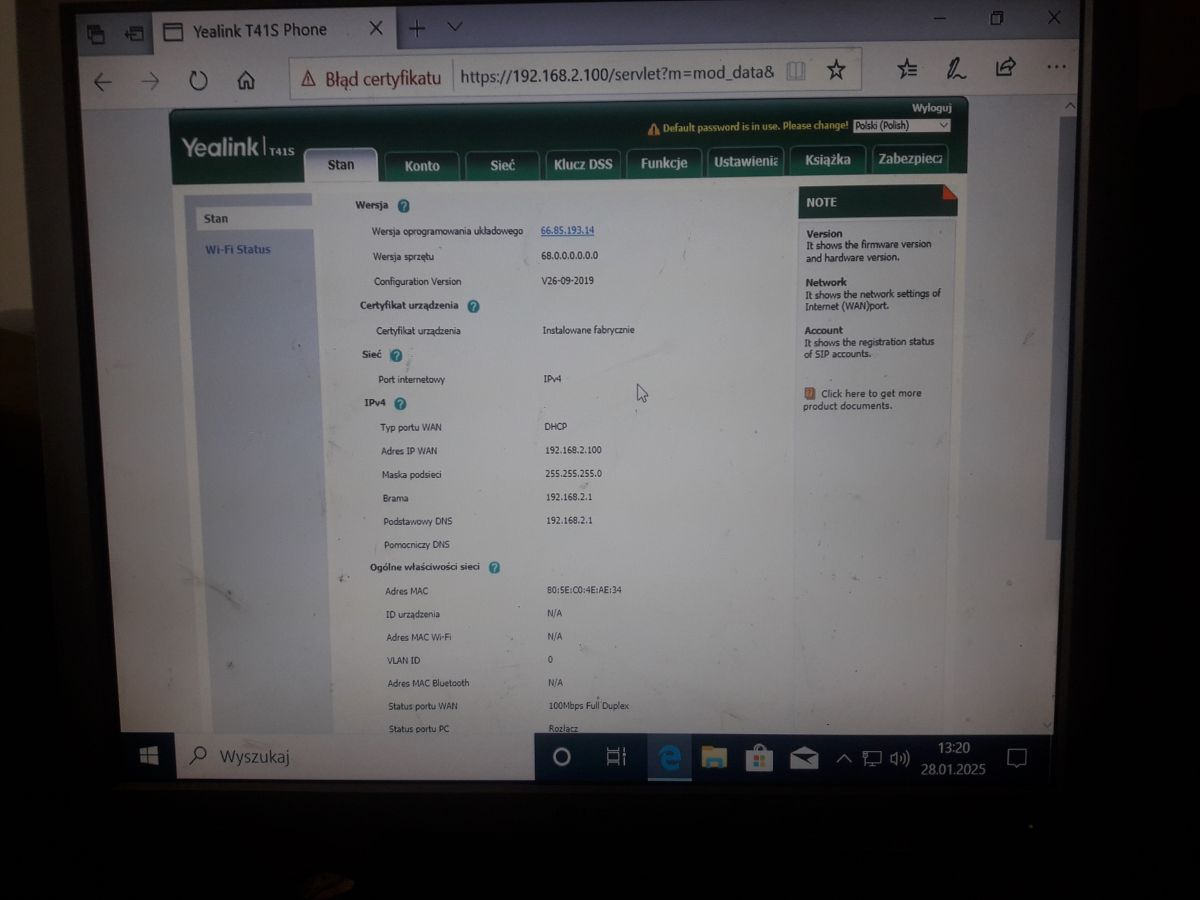
Teraz mogę wejść na 192.168.2.100 i mam co potrzeba.
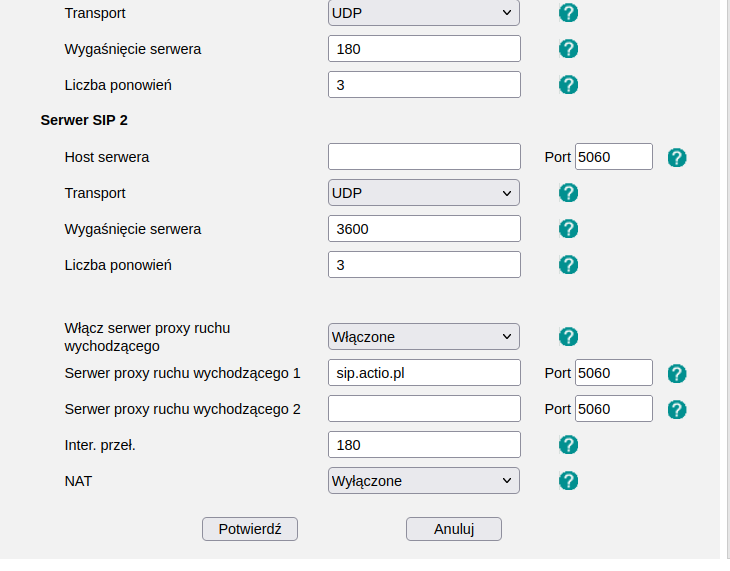
Wystarczyło włączyć:
✨ Użytkownik pyta o konfigurację konta i zmianę języka w telefonie VoIP Yealink SIP-T41S, który został zakupiony z ustawionym językiem niemieckim. W trakcie dyskusji pojawiają się trudności z dostępem do interfejsu webowego telefonu, co utrudnia zmianę języka na polski. Użytkownik próbuje różnych adresów IP, ale napotyka problemy z pingowaniem i dostępem do ustawień. Po kilku próbach i wskazówkach od innych uczestników, udaje mu się zarejestrować konto w actio.pl oraz uzyskać dostęp do interfejsu webowego, co pozwala na dalszą konfigurację. Ostatecznie użytkownik zmienia ustawienia serwera proxy, co poprawia działanie telefonu. Podsumowanie AI na podstawie dyskusji. Może zawierać błędy.