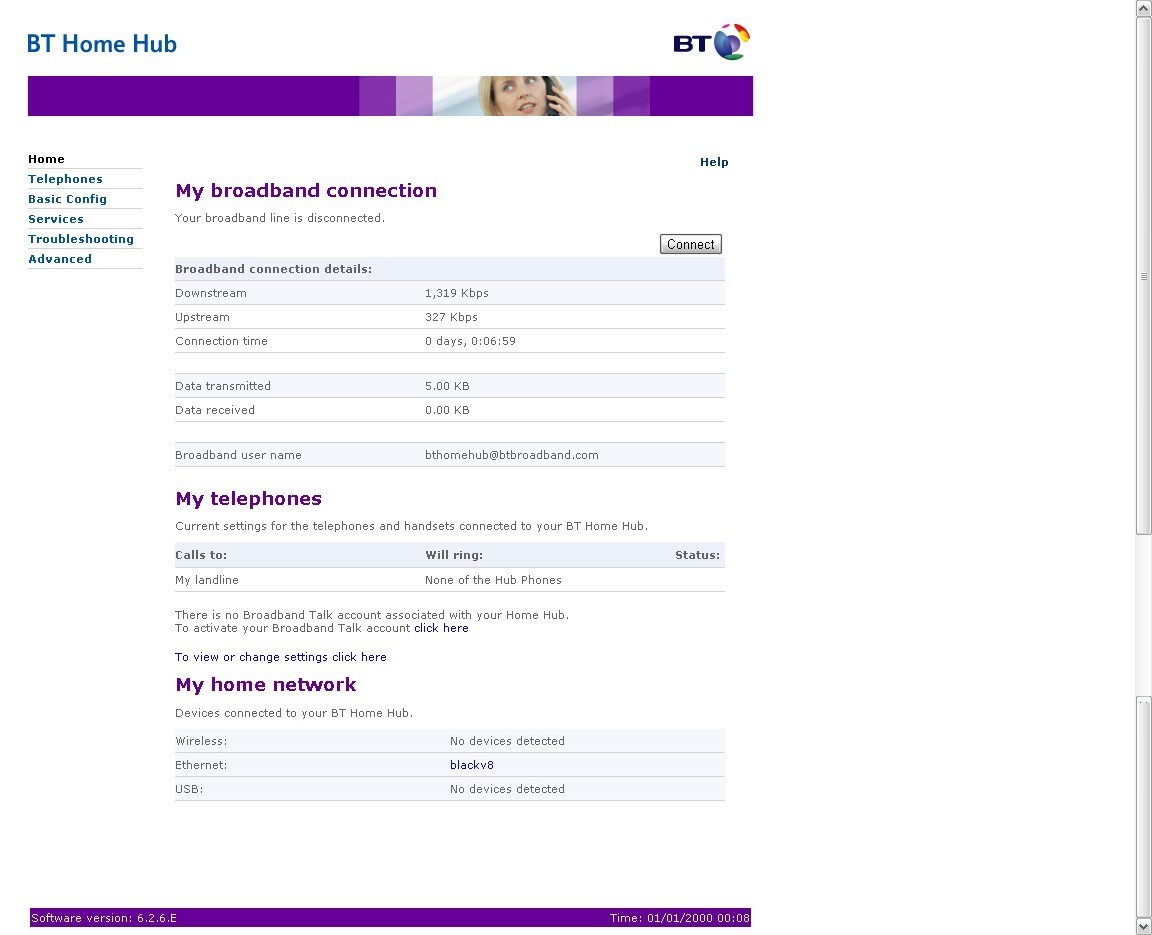
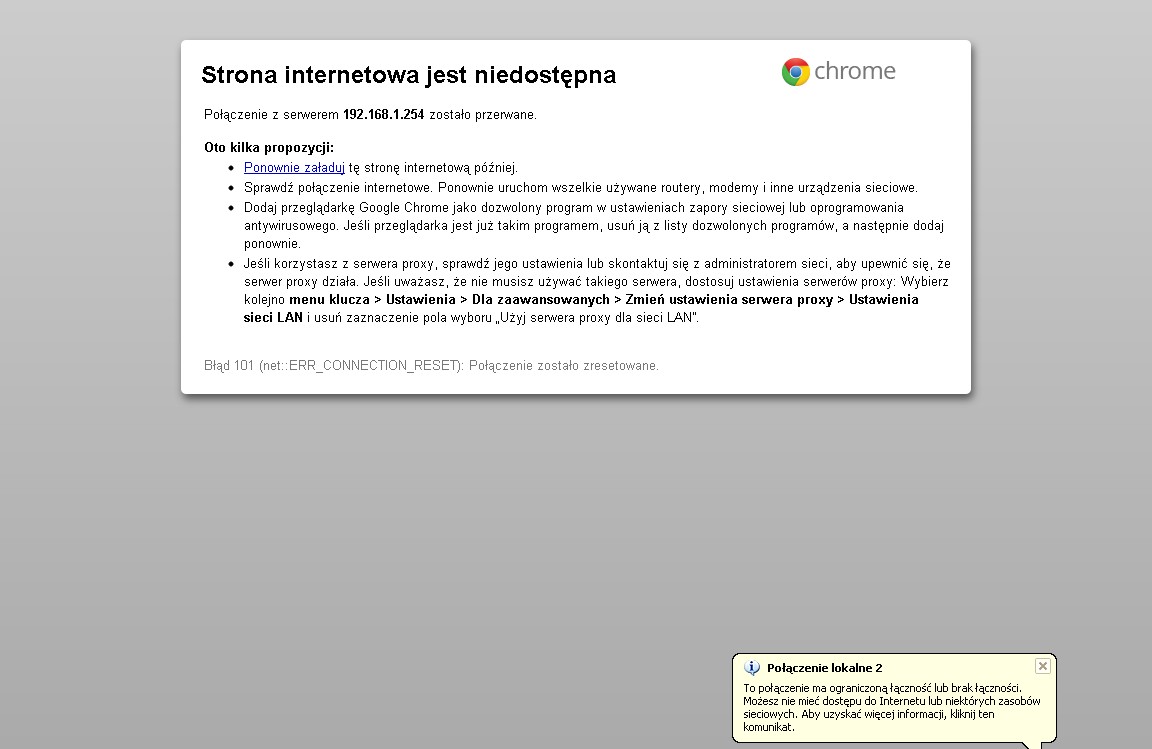
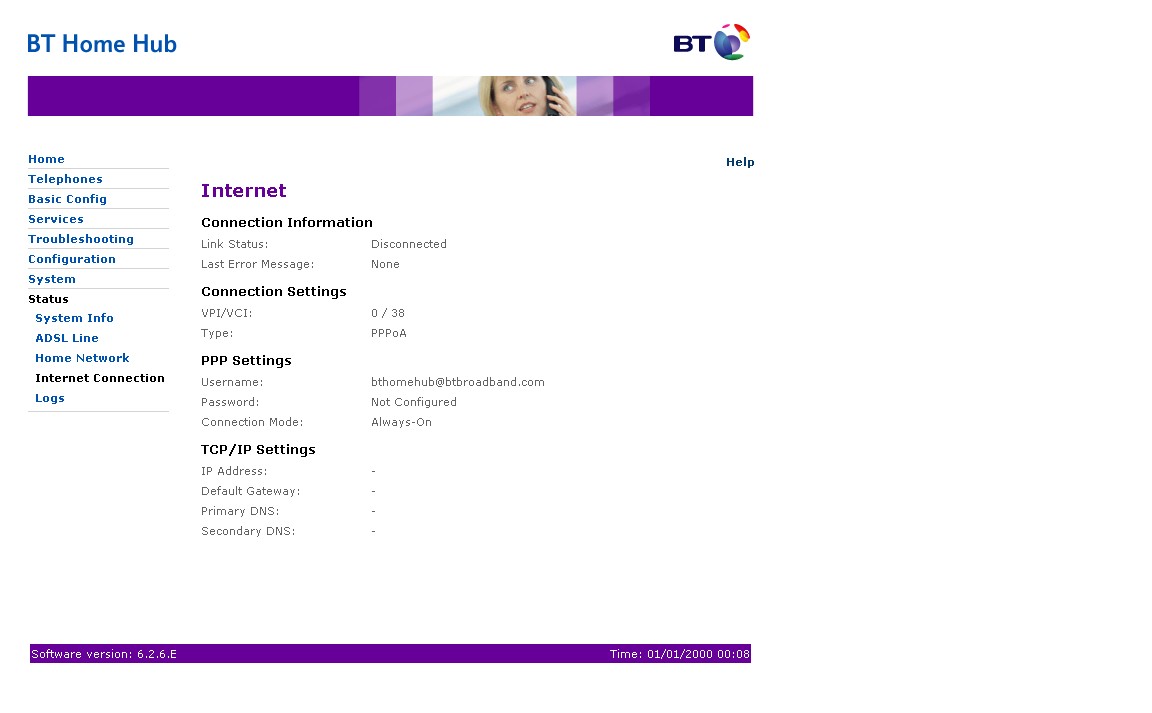
Temat jak najbardziej nadal mnie interesuje

Linki które od Ciebie otrzymałem dotyczą BT Huba w wersji 2.0 , a ja mam 1.0
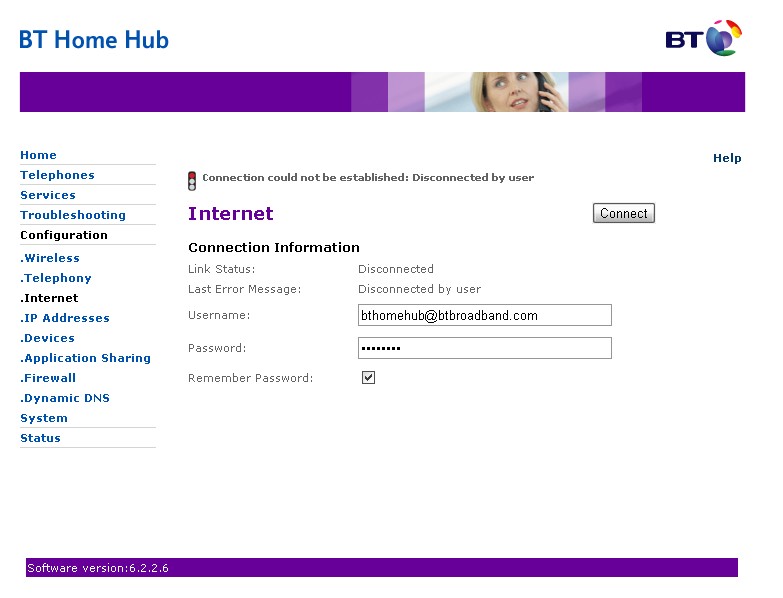
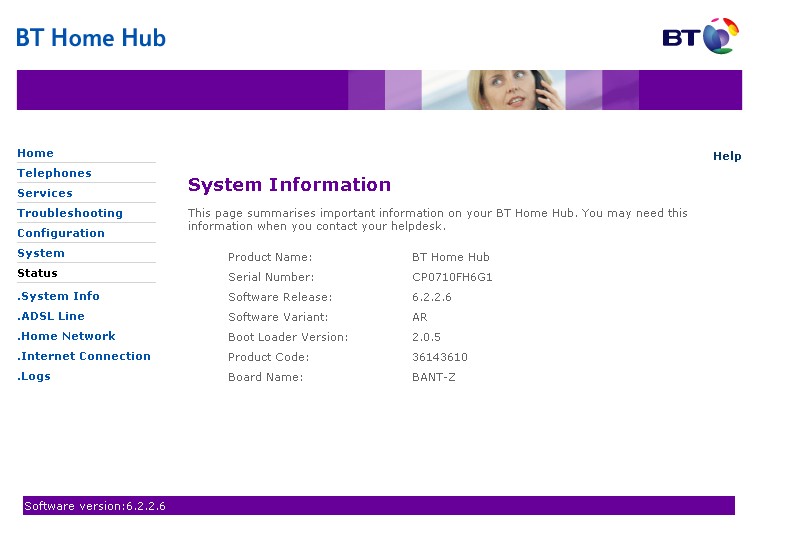
Wielkie dzięki za pokazanie mi tego forum , dzięki niemu powróciłem do wersji firmware 6.2.2.6
Prawie nawet udało mi sie odblokować Huba, ale stoję na jednym punkcie i nie mogę go przejść.
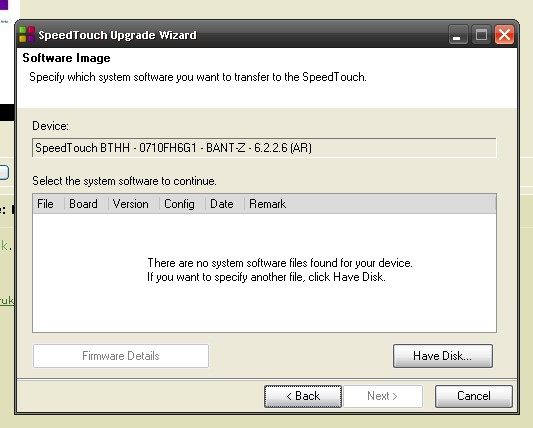
Poniżej wklejam treść ostatniej części poradnika. Stoję na punkcie 4, bo po wybraniu firmware nie mam aktywnego przycisku 'Next'
Ktoś wie jak to obejść?

Section 3 - Upgrading to the Thomson firmware
1. First check that you can access the web control panel at
http://192.168.1.254/. Having established that you can, proceed to the next step.
2. Go to the Upgrade-Thomson folder and run the executable upgradeST.exe
3. The wizard will launch; if prompted enter username admin and password admin.The updater will search for your Home Hub and eventually present a screen where you can click the Have disk button to tell it which firmware to load. Note that it is critical that you select the appropriate firmware depending on which unlock method you chose to perform - please see the What's in this package section of this document for more information.
4. Having selected the appropriate firmware, click the Next buttons to proceed.
5. The hub will now start to upgrade and will take about 5 to 10 minutes. At some stage it may ask you for a new name and password. Enter Administrator (capital A) and leave the password blank. If you followed the instructions exactly to this point it should continue to 100%. Even if it throws up an error at the end it will probably be okay.
6. Once able to get to the the new web interface at
http://192.168.1.254/, "Return to factory default settings" in order to flush any redundant/incompatible settings that may have been carried over from BT firmware 6.2.2.6.