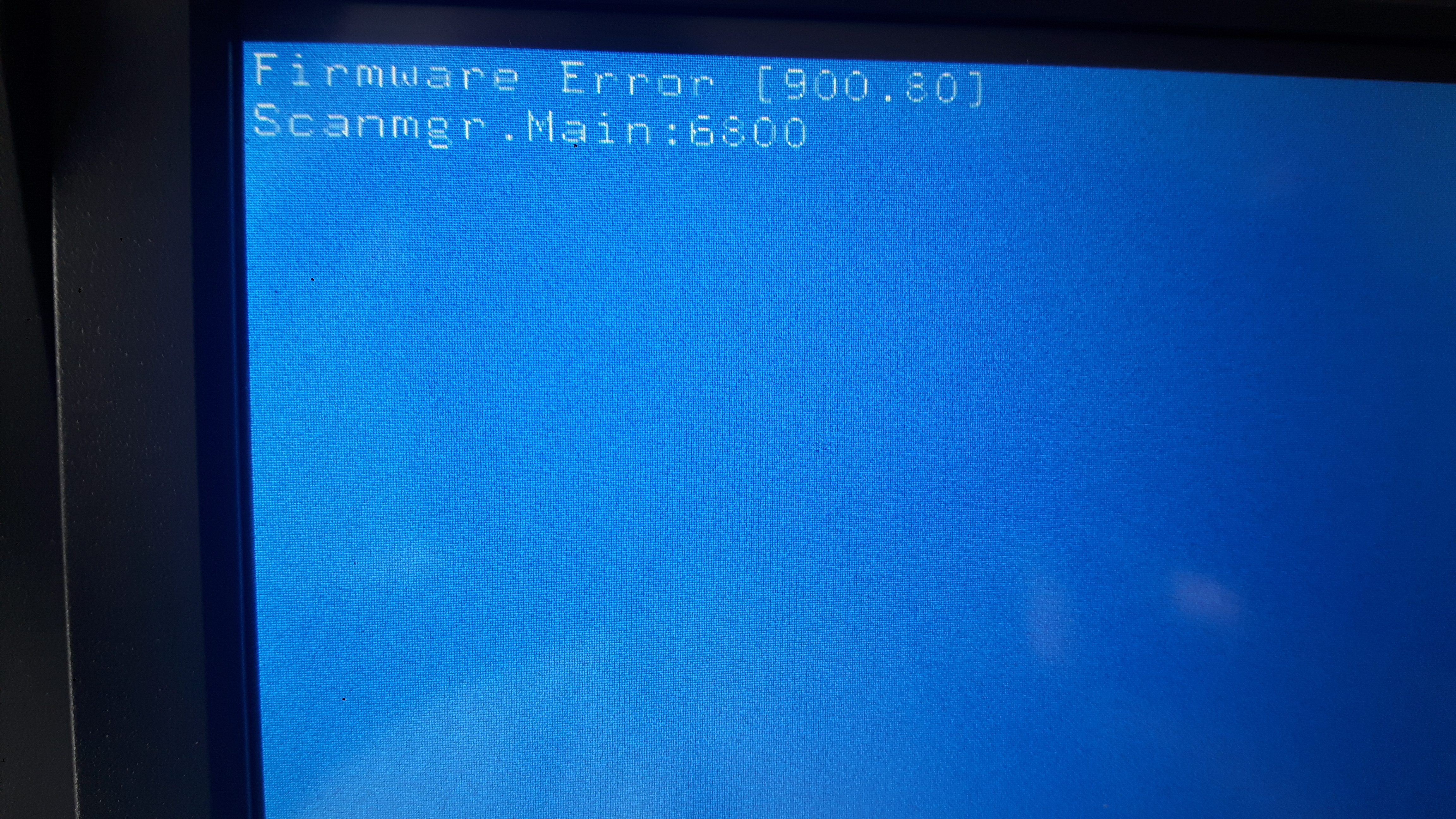
Powinna zjechac do home position i sie zaświecić.
Dlatego ta taśma wydaje mi sie najbardziej prawdopodobna.
Tak powinien wyglądać start tej drukarki i "selftest"
Cytat:
Power‑on Reset (POR) sequence
When you turn on the printer, it performs a POR sequence.
Check for correct POR functioning of the base printer by observing the following:
1 The LED turns on.
2 The main fan turns on.
3 The operator panel turns on.
4 The fuser heater turns on. The fuser takes longer to warm up from a cold start than a warm start.
5 The operator panel LED starts blinking.
6 A splash screen appears on the display. The following errors or messages may appear:
• Close Door or Insert Cartridge appear if the front access door is open or the print cartridge is missing
• Cartridge errors, such as Defective Cartridge or Missing Cartridge
7 Ready appears on the display.
8 The main drive motor turns on.
9 The EP drive assembly drives the developer shaft located in the print cartridge.
10 The exit rollers turn.
11 The printer may begin calibration