H666 napisał:
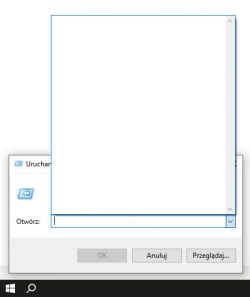
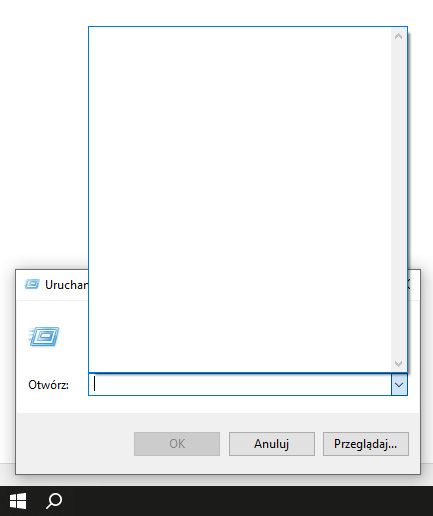
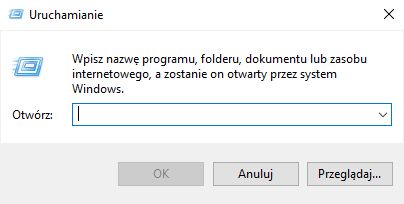
Witam, pojawił mi się problem w dwóch Windowsach 10, home i professional. Po otwarciu okna Uruchamiania (Windows + R) przestały się pokazywać ostatnio uruchamiane programy,
Inaczej : nie wyświetla się historia uruchamianych programów w tym oknie?
Poniższy text możesz 'przepuścić' przez 'translater' jeżeli zajdzie potrzeba.
Info from Microsoft:
"One of the possibilities is that the Privacy settings might not be enabled for Search and Start menu results. Let me guide you through the steps where you can enable the Settings.
Press Windows + I keys together to open Settings.
Now click on Privacy and click on General.
Toggle the switch to On next to Let Windows Track app launches to improve Start and Search results
Try typing some commands in the Run window and see if they are being saved.
In case the above option is greyed out to toggle then you might need to change a registry key.
Note: Serious problems might occur if you modify the registry incorrectly. Therefore, make sure that you follow these steps carefully. For added protection, back up the registry before you modify it. Then, you can restore the registry if a problem occurs. To backup and restore registry key, refer the article How to back up and restore the registry in Windows
Press Windows key + R. This will open Run. Alternatively, you can go to Start and search for ‘Run’
In Run dialog box, type ‘regedit’ and hit Enter.
In the navigation pane, locate and then select the following registry subkey: HKEY_CURRENT_USER\SOFTWARE\Microsoft\Windows\CurrentVersion\Explorer\Advanced
On the right hand pane double-click on Start_TrackProgs and change the Value data to 1
Click on OK.
Restart the PC.
Now type few commands in the Run prompt, and use the arrow keys to see if they are saved in the list. I am sure this is going to solve your problem."
Jeżeli masz Windows z 'polską atrapą' (polską versją językową) to pewne terminy/nazwy mogą się różnić.
e marcus