JoEdna
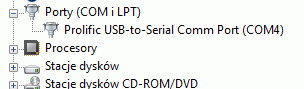
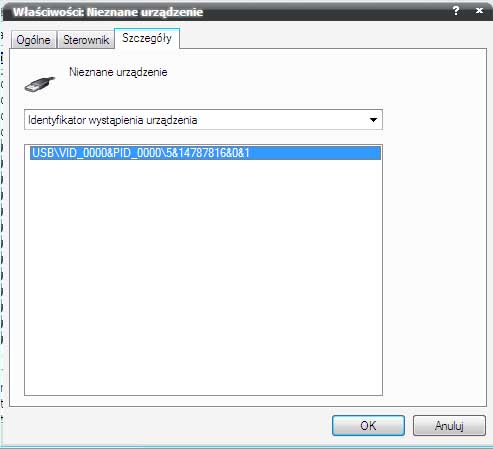
Pod jaki system? W zalaczniku masz sterowniki.
Opis instalacji do sterownikow z pliku ebay__hl-340.zip:
Cytat: 1- Download the winzip ebayhl-340 file on to your desktop and make sure that your cable is unplugged.
2- Make a new folder on your desktop
3- Unpack the winzip file in to your new folder
4- Burn a CD with the three folders found inside your new folder
5- Open the folder called HL-232-0108 and run the Setup For HugePine, if you get any messages press continue anyway.
6- Open the second folder called HL-232-340 and install the HL-340 and if you get any messages press continue anyway.
7- Open the folder called HL-232-2303 and then HL-2303, and run the HL-2303 setup, if you get a message saying to remove or reinstall, click on reinstall.
8- Reboot and then plug the cable, windows will recognize it as HugePine USB to serial and will ask you for the drivers, let windows install the driver automatically, again if you get any messages press continue anyway, once done it's ready to use.
you need to make sure everytime to use only the same USB port to avoid repeating these steps.
Opis jak i sterownik pochodzi stad:
http://www.davesdrivers.com/forum/showthread.php?tid=130&page=1
Drugi plik CH341SER.rar to sterowniki od producenta.